Create your first image-to-video shot
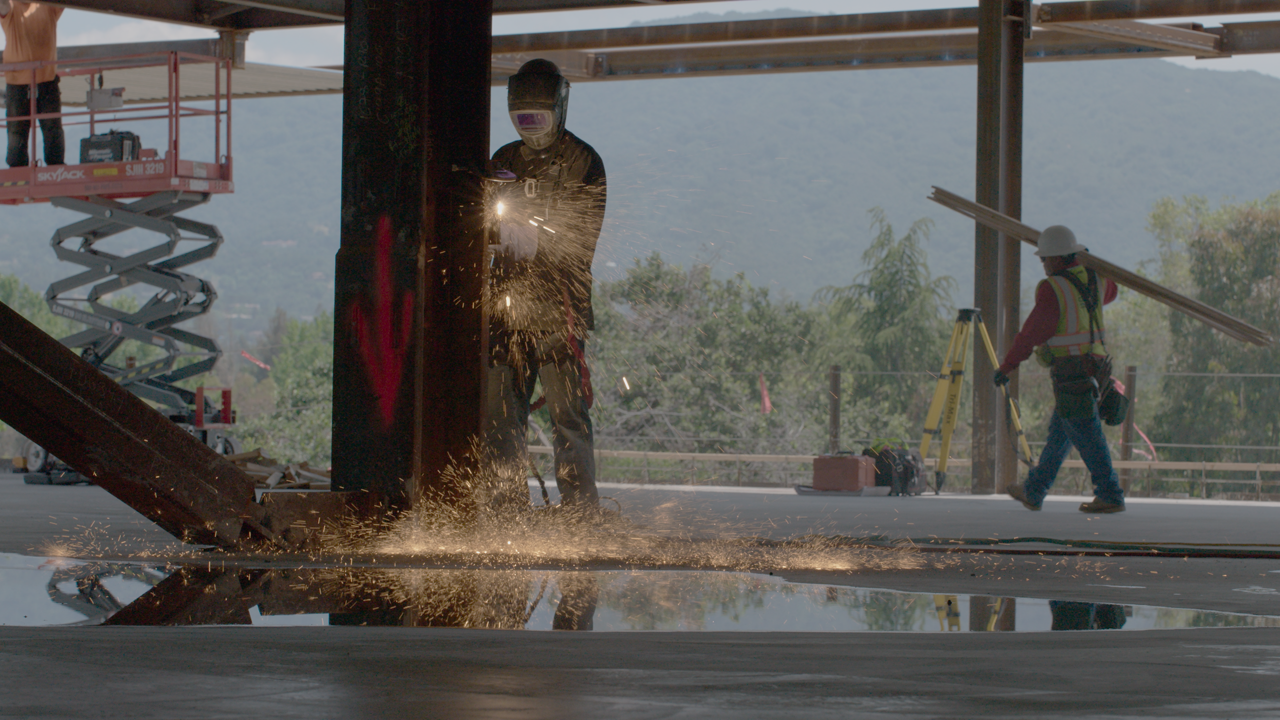
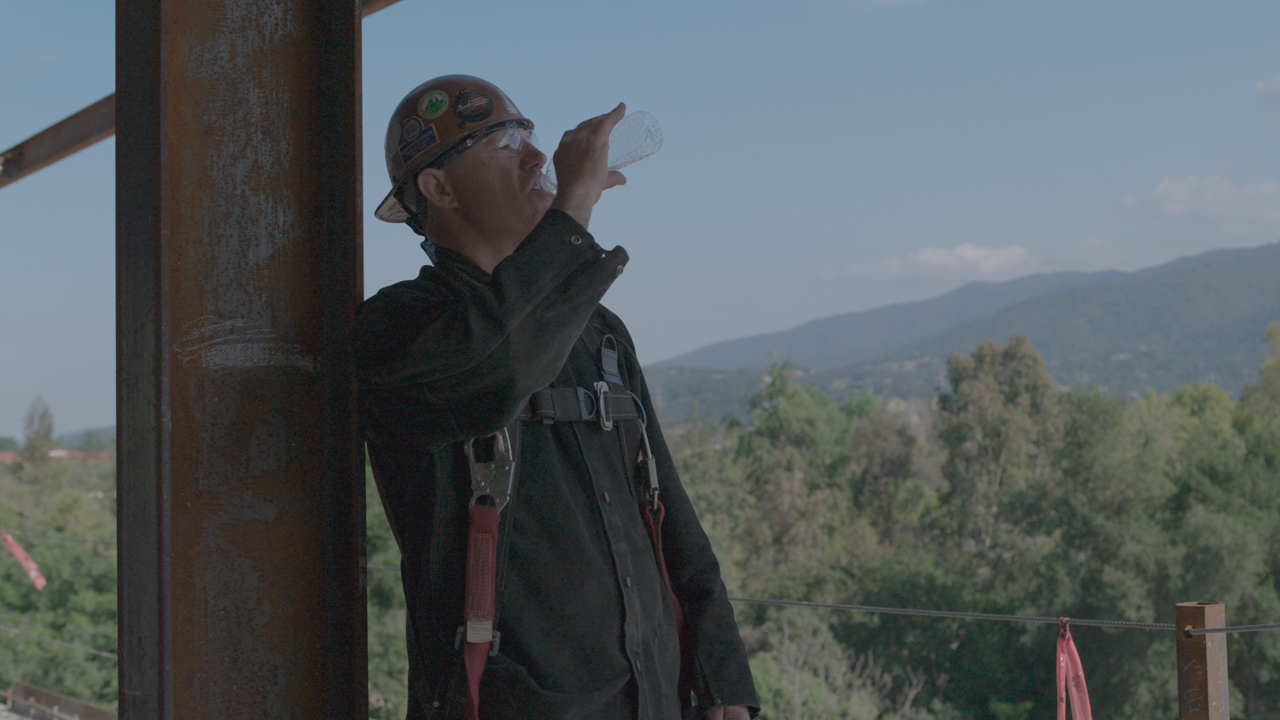
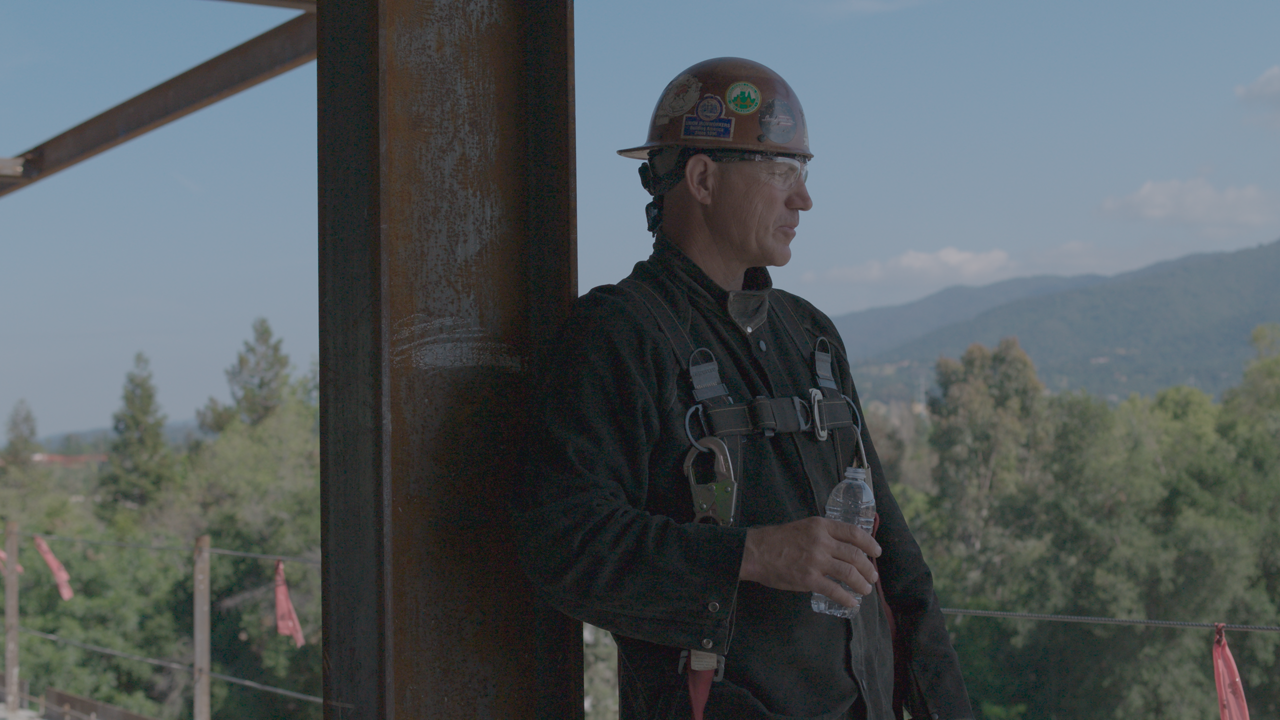
1. Download: Choose a practice PNG frame below, or use a still image you have permission to use.
2. Launch: Open Weble Lite and choose image-to-video.
3. Upload: Use one PNG as the first-frame image.
4. Prompt: Describe the motion and camera behavior you want in simple language.
5. Generate: Choose your settings, generate the video, and review the result.